Preparing to publish!
Last updated: July 21, 2025
Export figures, copy methods, and prepare to cite Pluto in your papers & presentations
Overview
As scientists ourselves, we know how important it is to publish! Whether you're preparing a manuscript, internal or external presentation, or writing a grant or other report, Pluto can help save your team time and ensure your publications accurately represent your work.
Citing Pluto
If you use any plots or results that you generated with Pluto, please provide attribution with a statement similar to one of the following:
"Plots created with Pluto (https://pluto.bio).""Analysis performed using Pluto (https://pluto.bio)."
Exporting publication-ready figures
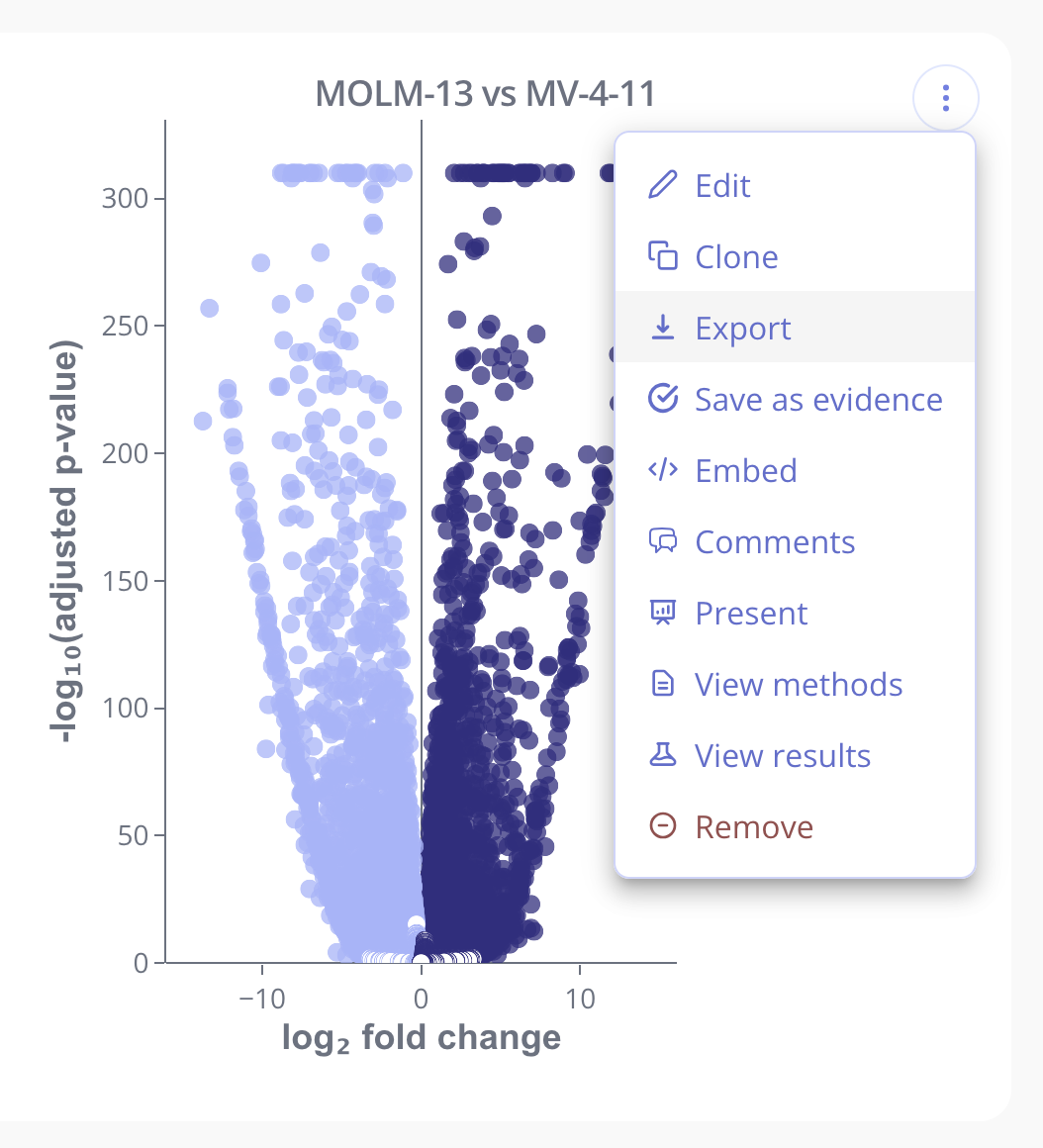
Click on the "..." menu in the top right corner of any plot and select Export to go into Pluto's export experience. For an in-depth tutorial on resizing, formatting, and preparing plots for publication, view our Exporting Publication-Ready Plots guide.
Exporting analysis methods
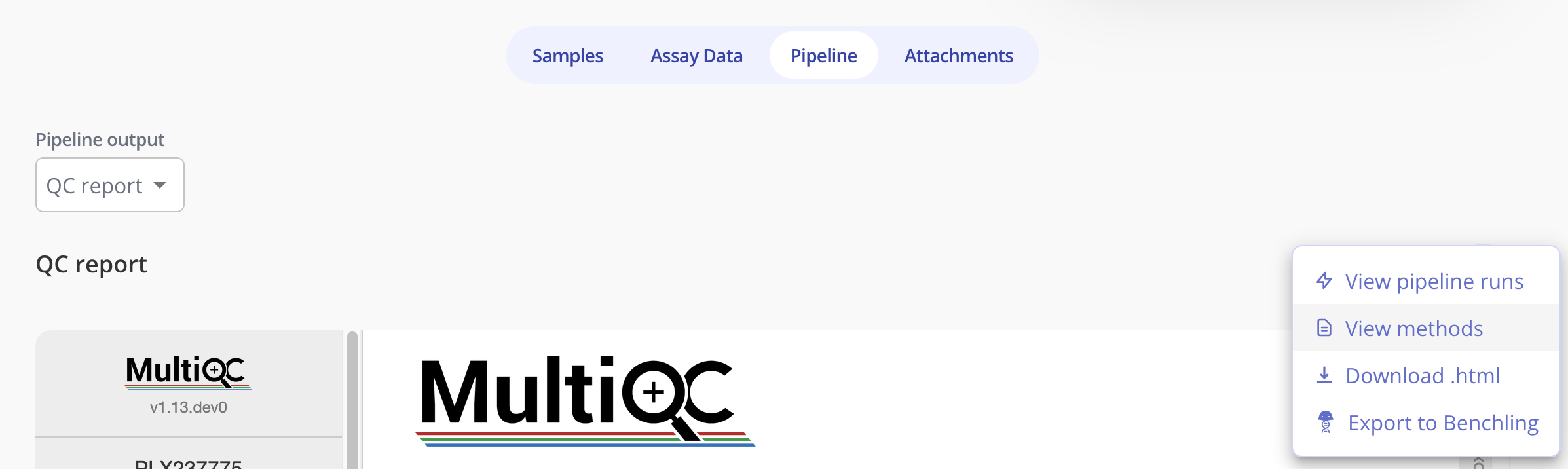
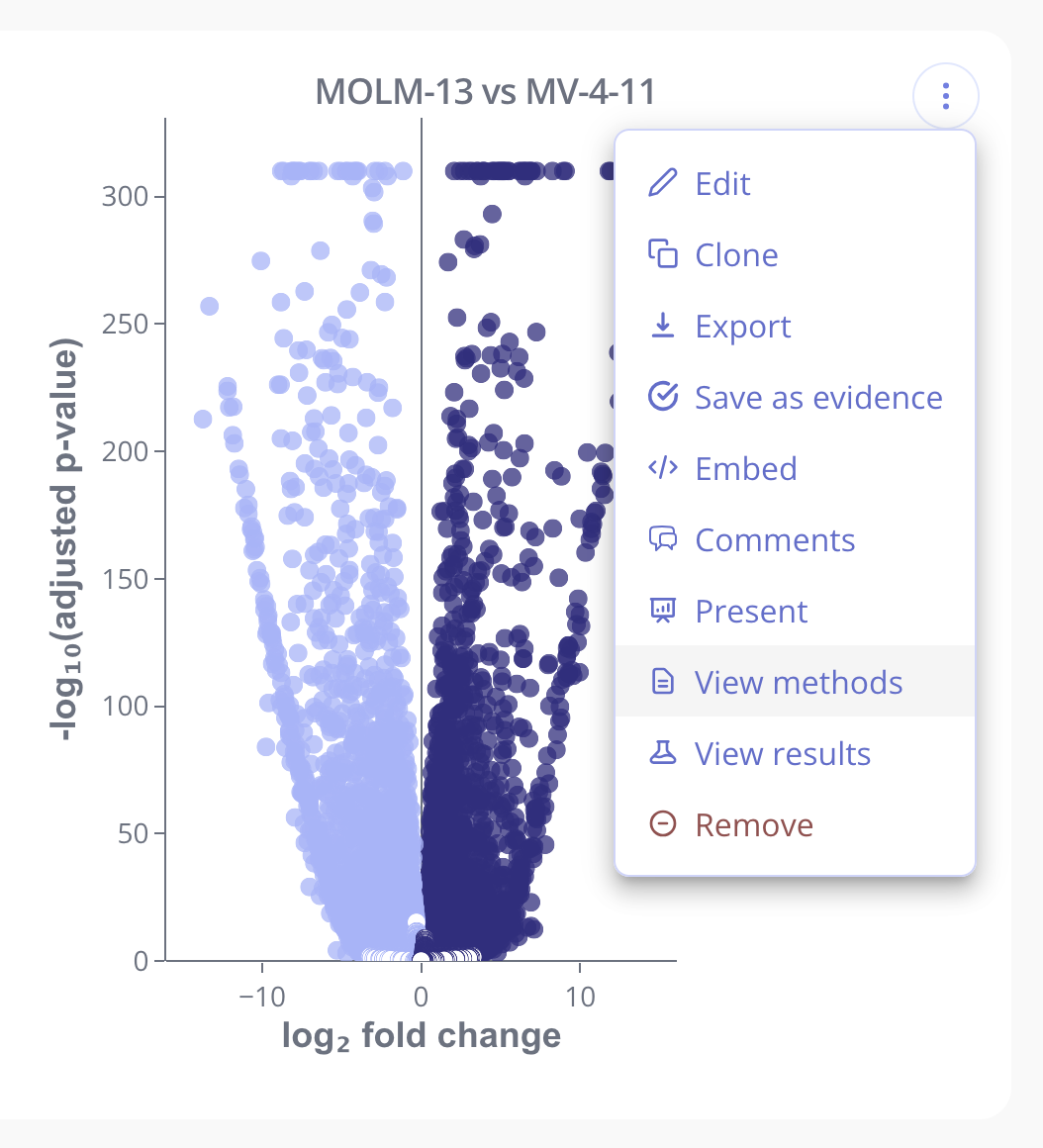
From the "..." menu on any plot, select View methods to see a real-time, dynamic methods section. This methods section can be copied, and also includes the references to relevant papers and tools.
Exporting pipeline methods
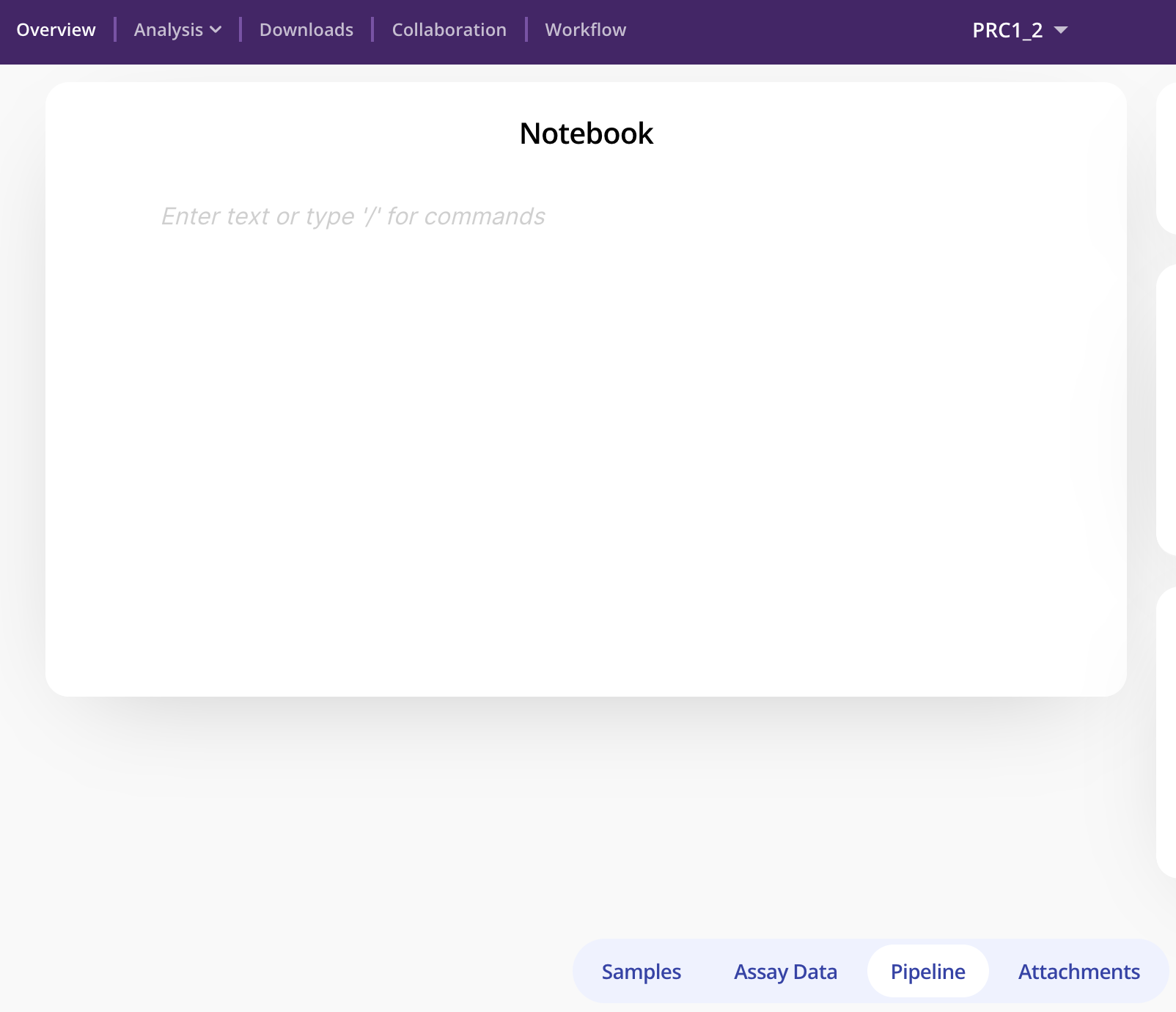
For some experiments in Pluto (e.g. sequencing based experiments), you can upload raw data and run pipelines. To export the methods for these large, long-running processes, visit the Pipeline tab.
From here, you can again select View methods to view a dynamic methods section with the parameters that you configured during your run, such as genome build, peak calling algorithm, etc.