Projects
Last updated: July 21, 2025
Organize your experiments into projects for easy data management and sharing
A project is a collection of experiments in Pluto. The experiments in a project can have any type (e.g. RNA-seq, ChIP-seq, or any experiment type enabled in your workspace).
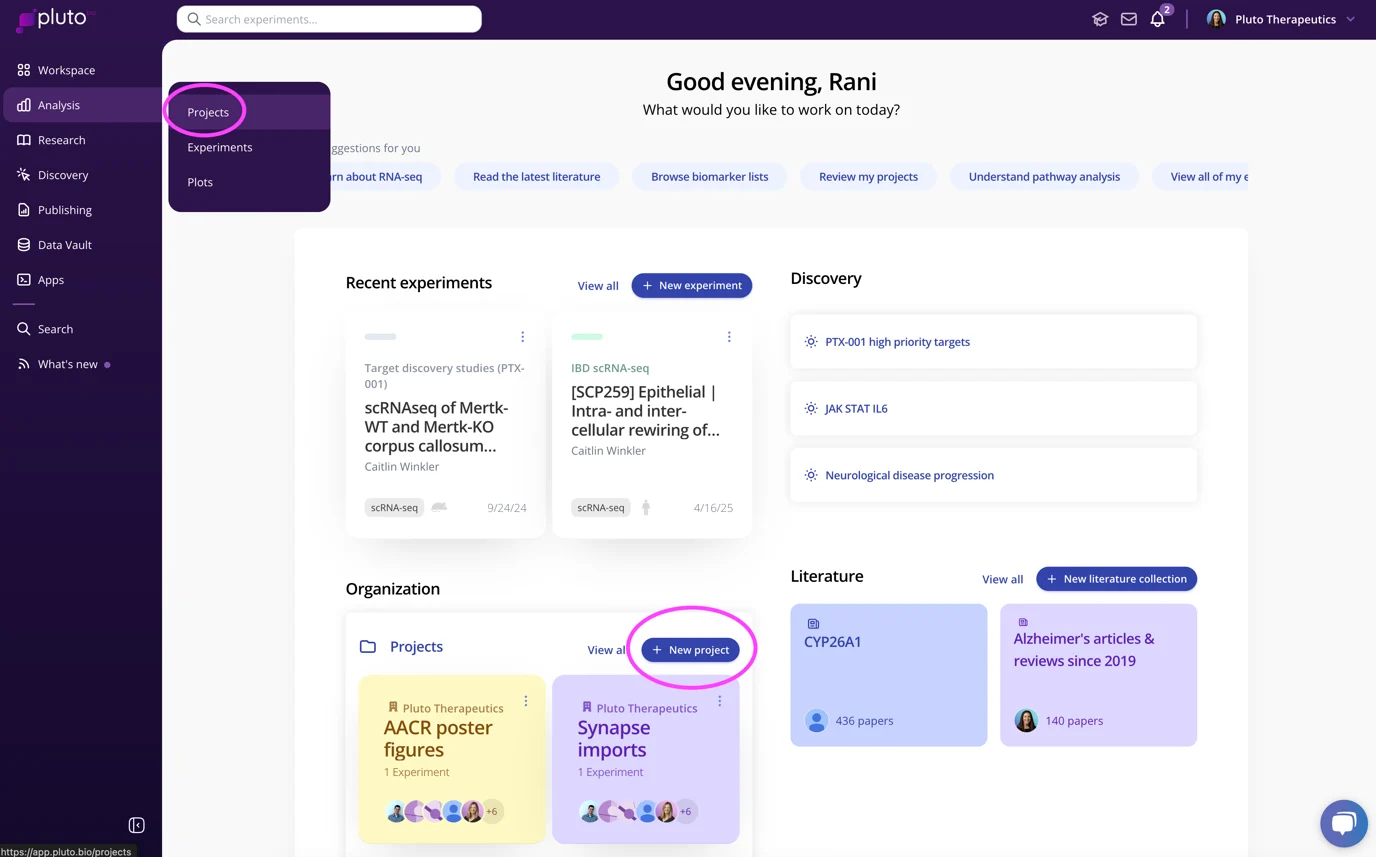
To create a new project, click the "+ New Project" button from the Workspace , or go to the Projects page to view all projects and create a new one:
Creating a project
Name - Give your project an informative name, such as a set of experiments to be performed, the title of a manuscript in preparation, a scientific question being addressed, or other meaningful collection of experiments
Program - Select the program that this project is associated with
Project type
Personal project - select this option if you plan on working on the project by yourself, or plan to manually add collaborators later
Team project - automatically grants access to all current and future members of the selected team. Permissions are assigned according to the permissions a user has in the team (e.g. if a user is a team editor, they will be granted edit access to any team projects created for that team)
Select "Save & Close" to add the project to your workspace and exit, or select "Save & Add Experiment" to add the project to your workspace and add an experiment to that project.
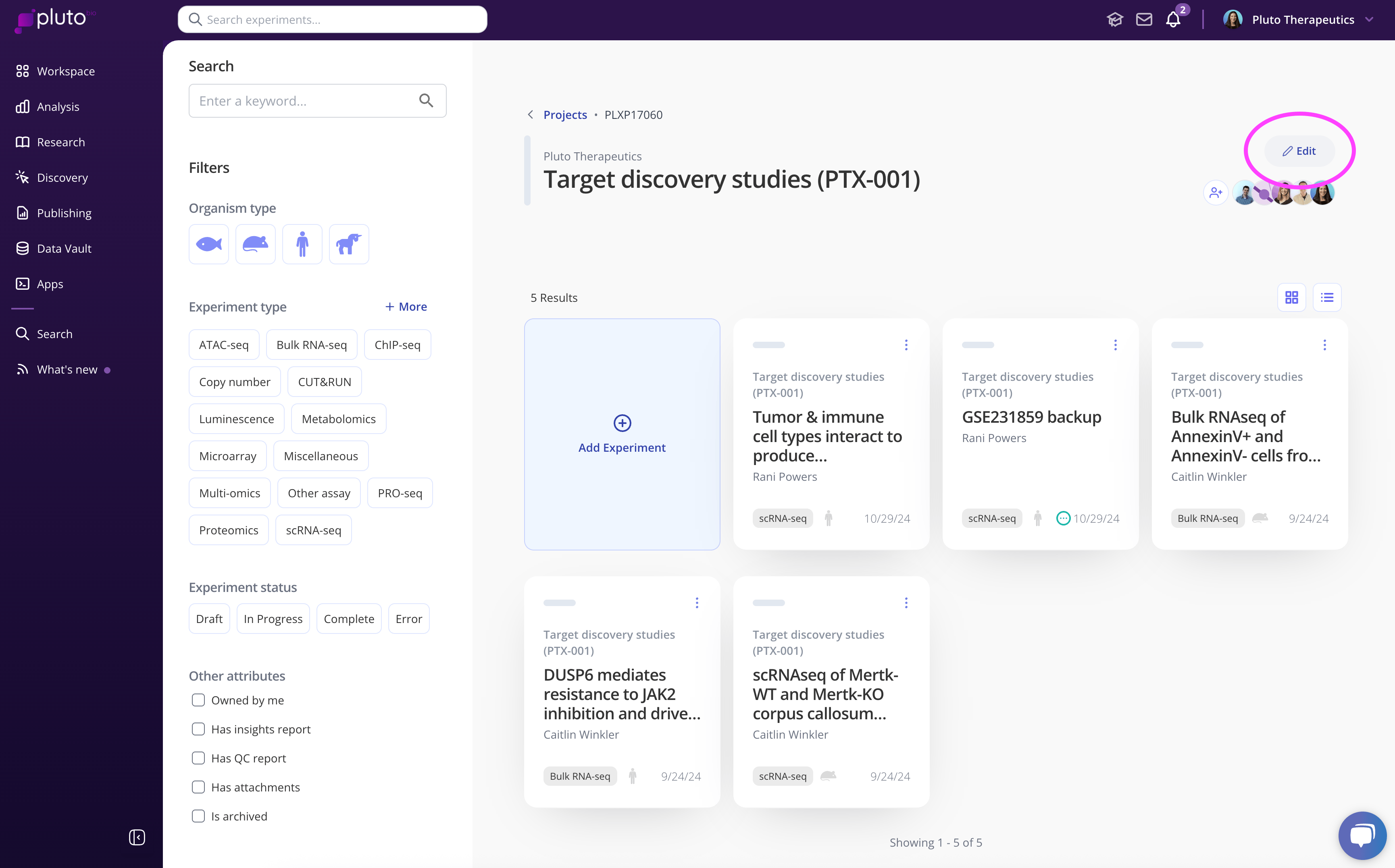
Once created, click on a project tile to view experiments in the project. From within the project, you can Edit any of the project attributes and add more details, such as a link and a display name for that link (e.g. link to a Dropbox folder, GEO study, Sharepoint site, etc). You can also add a project description that will be displayed beneath your project title within the project.