Manage organization-branded color palette
Last updated: July 21, 2025
Organization editors can define company-approved colors for figures
Overview
Pluto plots can be richly customized, but many companies wish to save a palette of company-approved colors that all of your team members can use when creating figures. This creates consistency in how your results are presented, whether in slides for a team meeting or in a scientific journal for publication.
Set company color palette
Organization editors can define and manage a set of company-approved colors from the organization settings page. Select Organization Settings from the top right drop-down menu, then select "Appearance."
Add colors and drag to reorder. Click Save Organization to set your changes live for everyone in the organization.
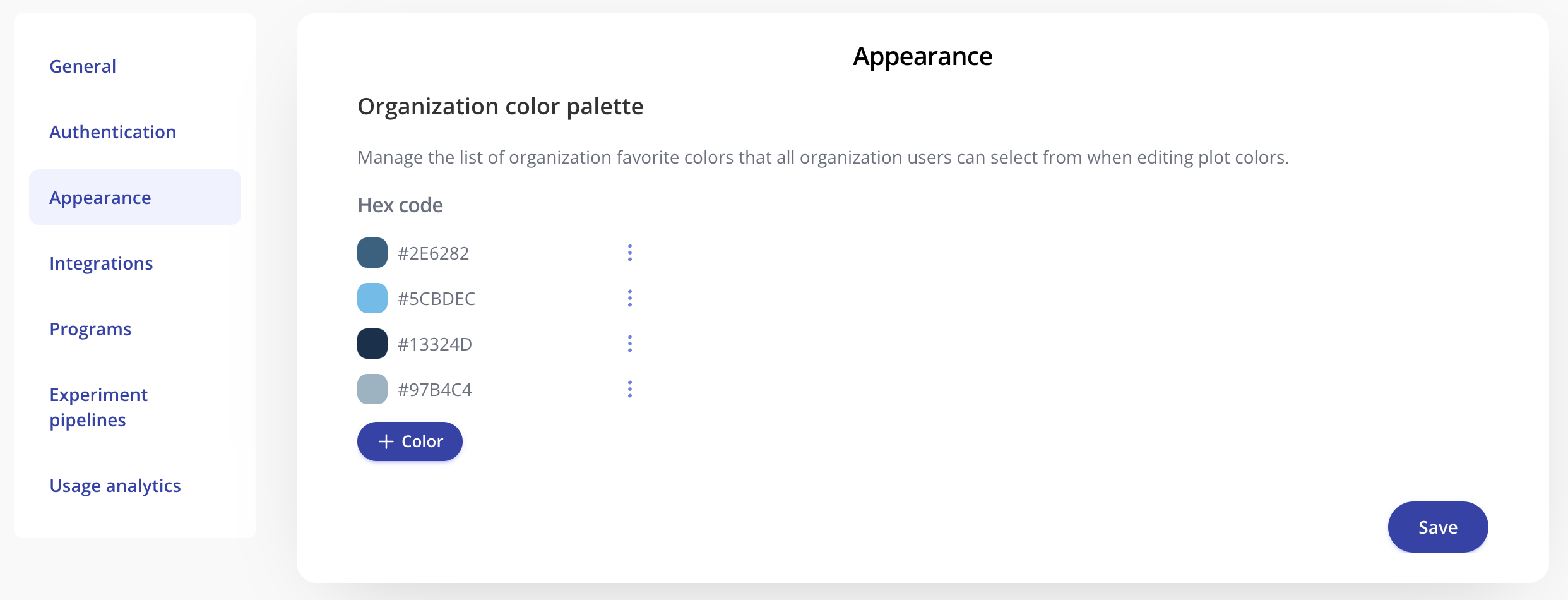
Once saved, every user in your organization will be able to pick from the organization-approved colors when editing plot colors.