Target management
Last updated: August 21, 2025
Discover, identify, and develop targets faster than ever with the Targets module in Pluto
Many companies manage their targets (genes, proteins, etc) in unwieldily spreadsheets, generic wikis, and home-grown solutions in order to compile research on them, leave comments, and track their status e.g. biological importance to the company.
However, a critical missing component in those solutions is the ability to overlap the internal knowledge contained in your target lists with your actual experimental data. For example, you might want to highlight a particular list of targets on a volcano plot or might want to use custom gene lists in GSEA.
These tasks used to require manual effort to manage gene lists or custom scripts. With target list management, all of that can take place in Pluto.
Leveraging target lists in Pluto
On the left side navigation bar, click the data management icon, and then click "Targets"
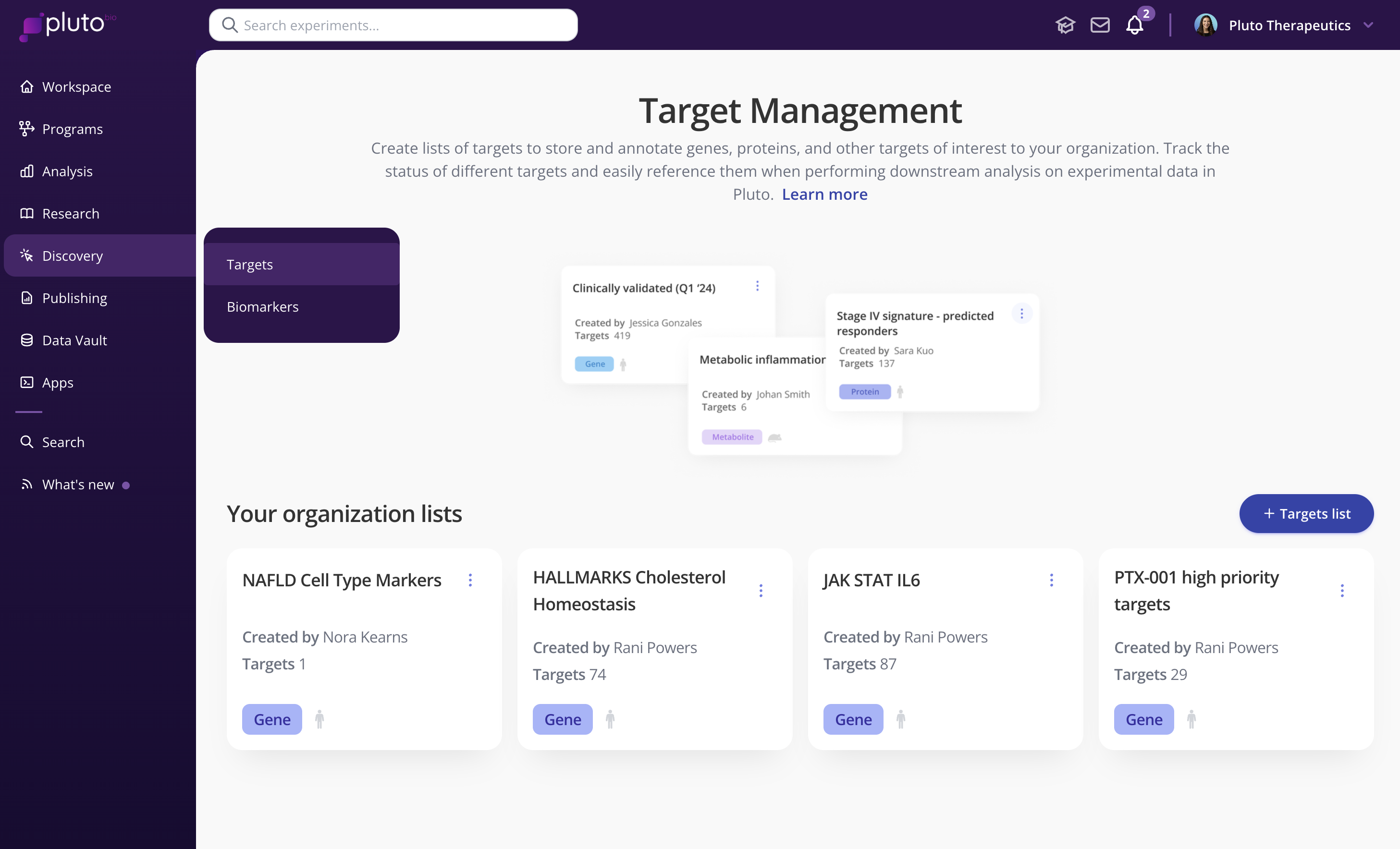
From the Target management page, click "+ Targets list"
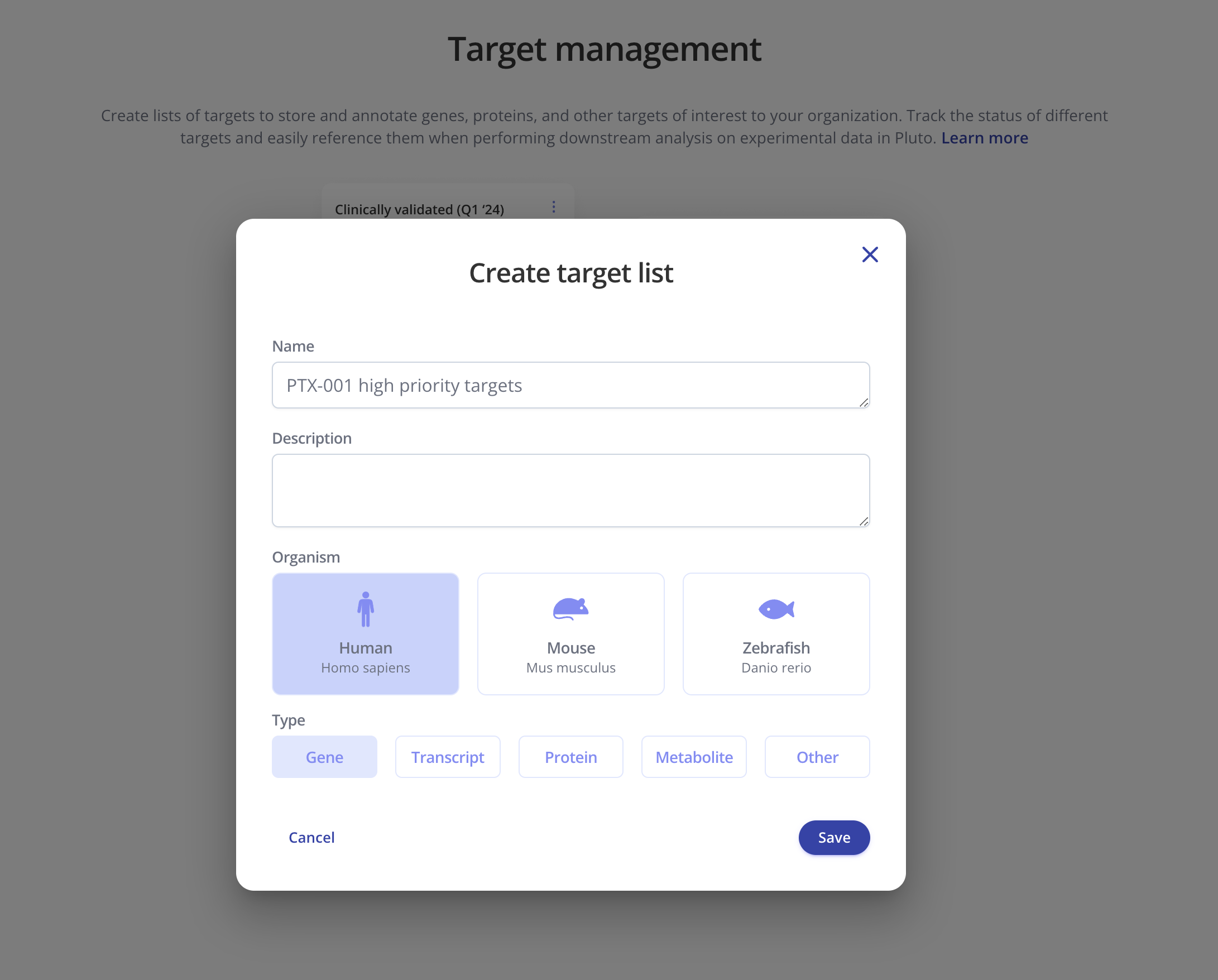
Give your list a name, optional description, and select the organism and type of target
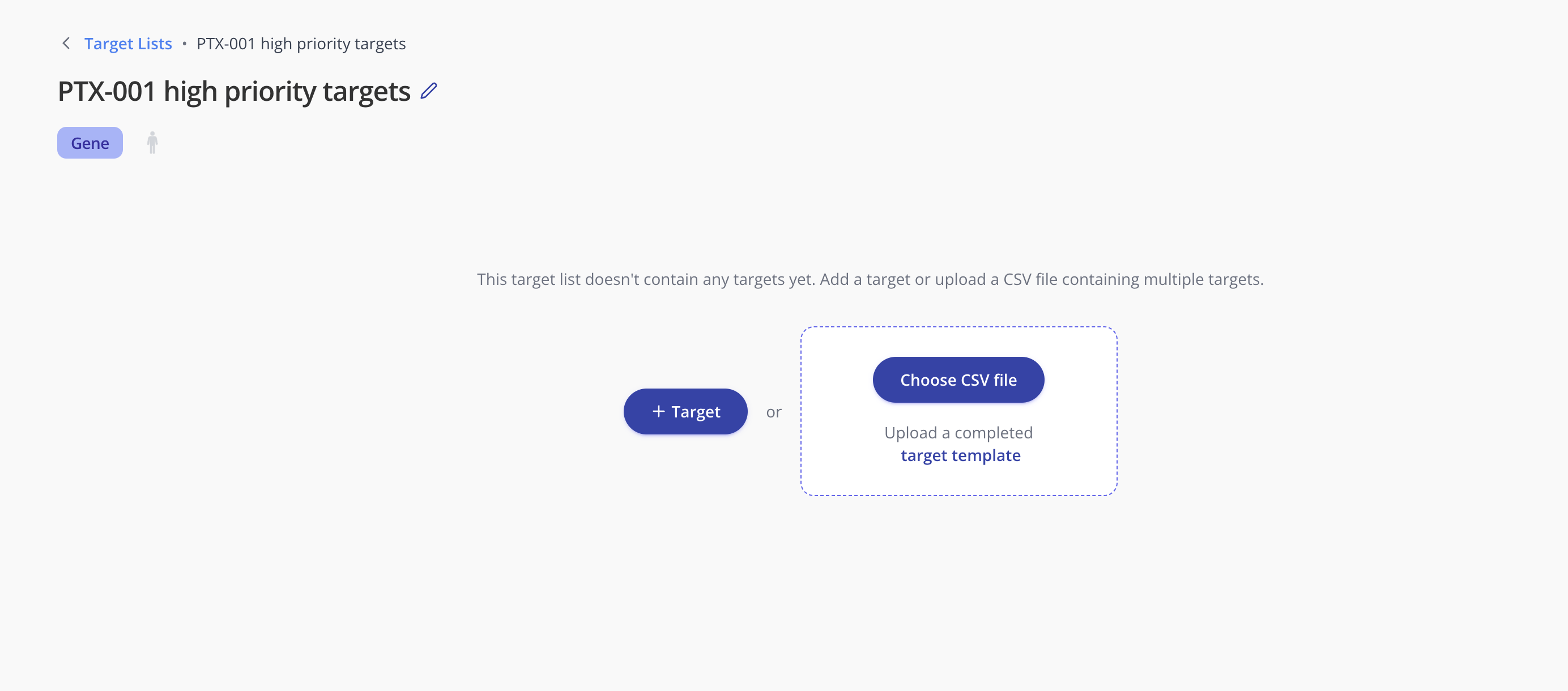
Click into the list you just created, where you can either add targets individually or in bulk via CSV upload
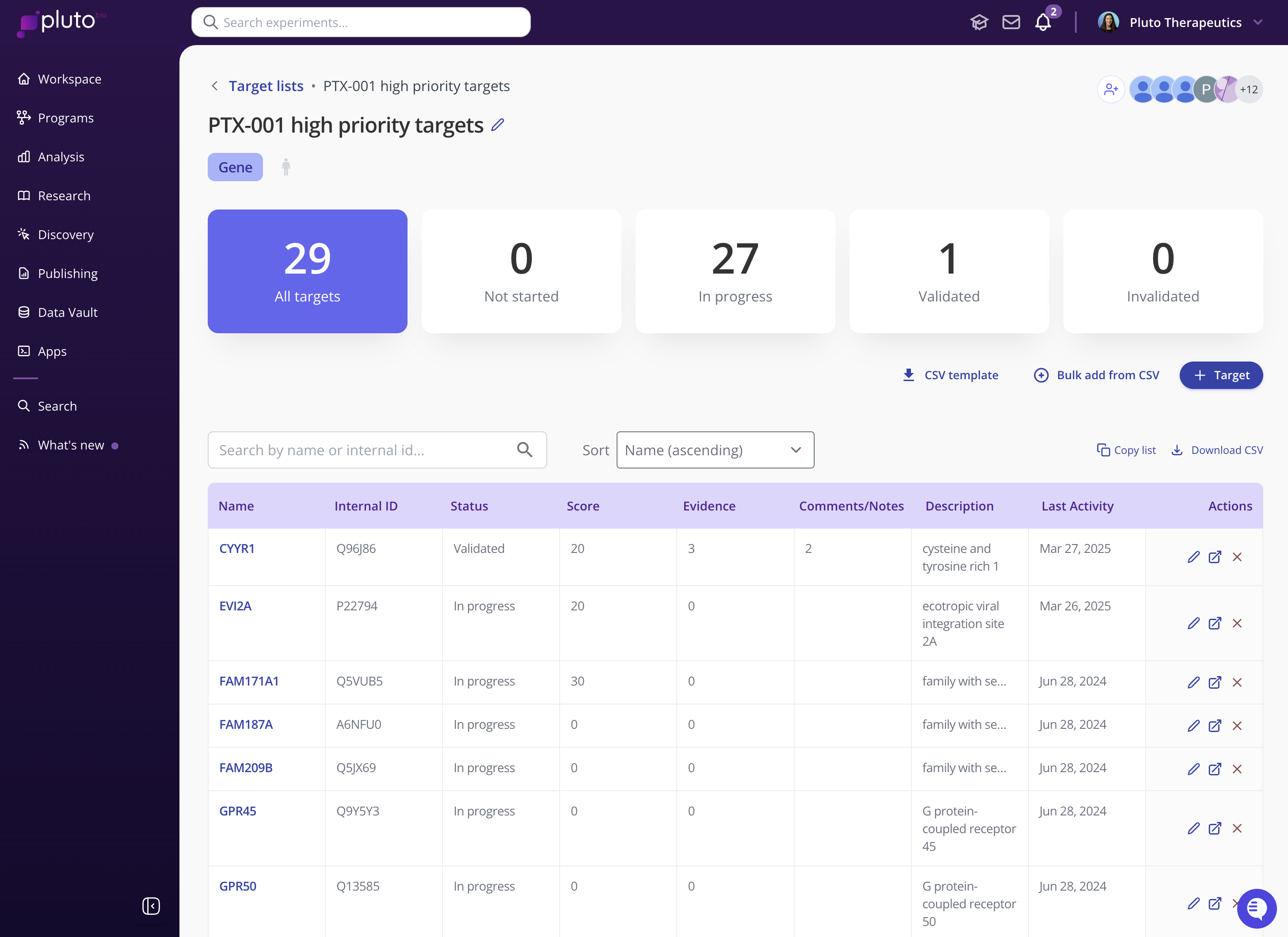
Once your target list has been created, you can
Add/remove targets
Record target status
Leave comments and notes on a target
Add evidence (experiments, plots, literature)