Reorder plot legends
Last updated: June 4, 2025
Use the Edit Plot menu to reorder the groups shown on a plot legend
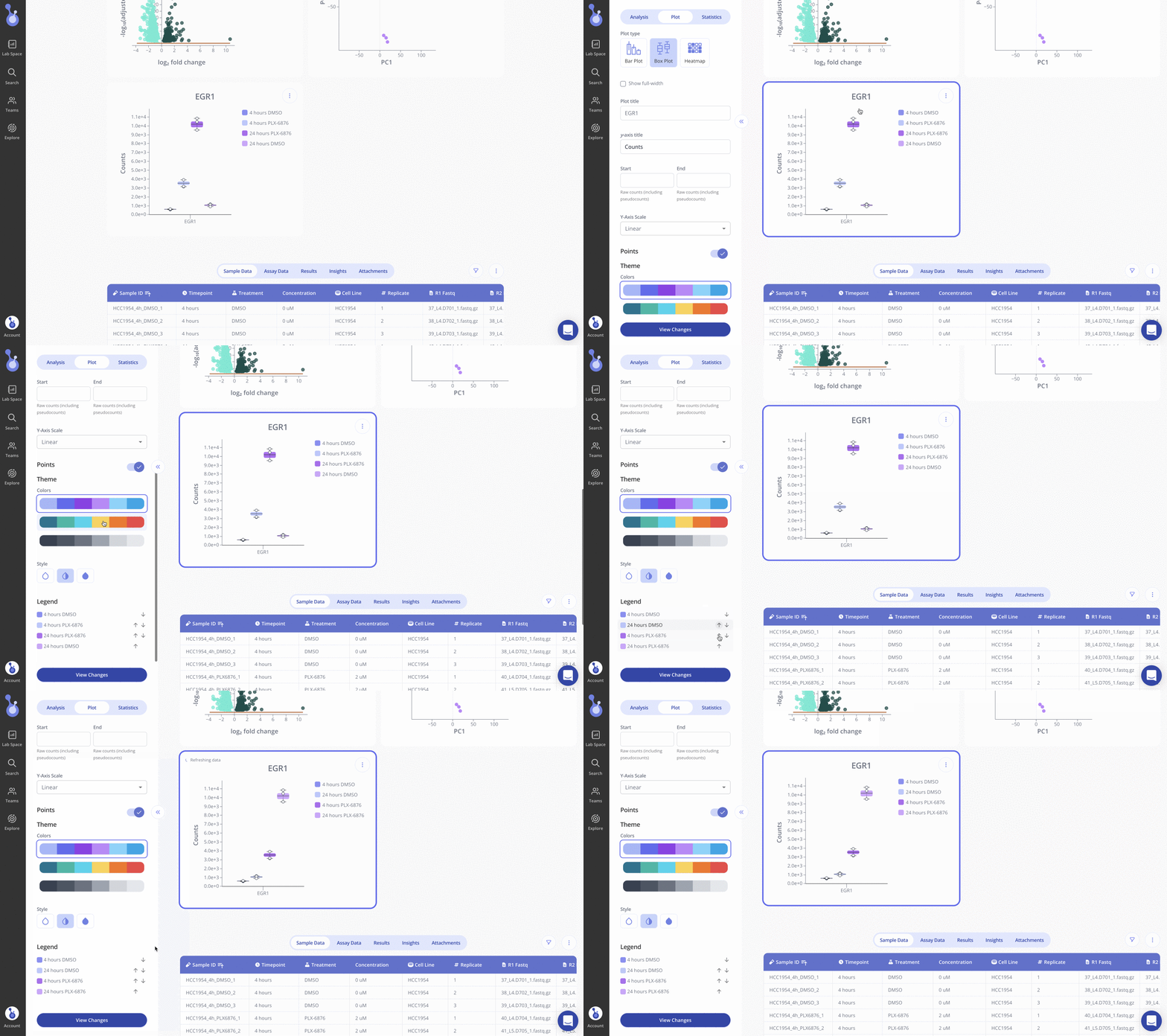
To reorder a plot legend, enter the Edit Plot menu and scroll down to the Legend section of the sidebar.
Use the up and down arrows to set the order of your groups, then click View Changes to update the plot.